Automatically link DevRev tickets to issues using existing Zendesk–Jira connections.
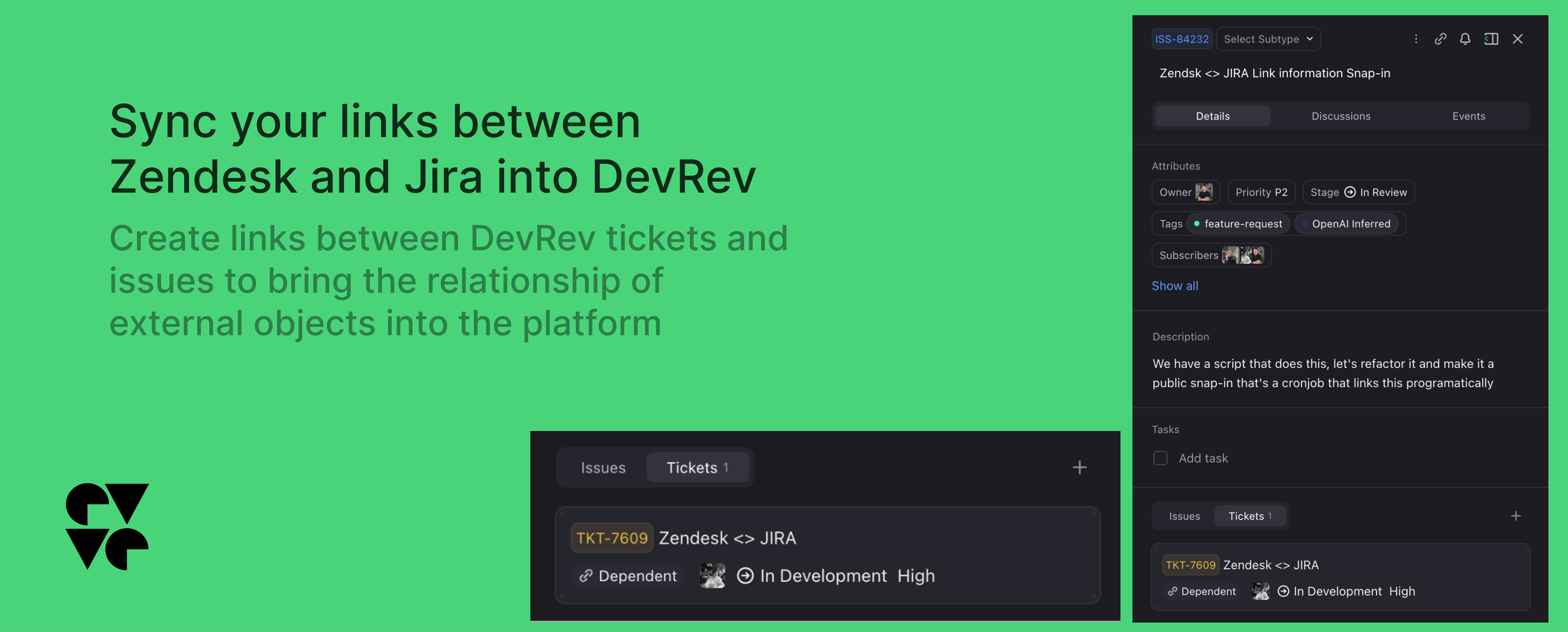
This snap-in syncs Zendesk–Jira links into DevRev, creating “Dependent on” relationships between imported tickets and issues automatically on a scheduled basis.
This snap-in functions as an integration with Zendesk, the support platform. It retrieves existing links created between Zendesk tickets and Jira work items and creates a link between DevRev tickets and issues if both the external items have been imported into DevRev.How it works
The snap-in runs on a timed schedule and incrementally creates links between DevRev tickets and issues. During each scheduled run, the snap-in queries Zendesk for links between tickets in their platform and Jira work items, syncing this relationship into DevRev by creating aDependent on link between the objects in the app.
Both the Zendesk ticket and the Jira item must have been imported into DevRev via AirSync. This snap-in does not import tickets or issues, it only creates the links between them that exist on the external platforms.
Features
- Connect your Zendesk instance to your DevRev organization.
-
The automation runs on a schedule and automatically creates
Dependent onlinks between the ticket imported from Zendesk and the issue imported from Jira.
Installation
This snap-in requires only a Zendesk connection to be set up within the organization to function. The same connection used for AirSync imports can be utilized.More Snap-ins

Email · Integration · MCP Server
Outlook Email
The follow-up that didn't happen. The thread no one could find. Connect Outlook and those gaps close – emails become searchable in Computer alongside everything else.

Grow · Import · Integration
Gong
A prospect mentioned a competitor. A deal stalled over pricing. It's all in Gong – connect it and those signals stop disappearing after the call ends.

Grow · Support · Integration
Goodmeetings
Streamline your customers meetings, create summary and action items with Goodmeetings and DevRev

Import · Integration
Articulate Reach 360
Your team's training courses, learner progress, and content libraries live in Articulate Reach 360. Connect it and learning context becomes searchable in Computer – courses, completions, and assignments, all in one place.
Computer+ Apps
Our Customers
Initiatives
