Scale your customer support in Slack! Enable real-time bidirectional sync with Slack.
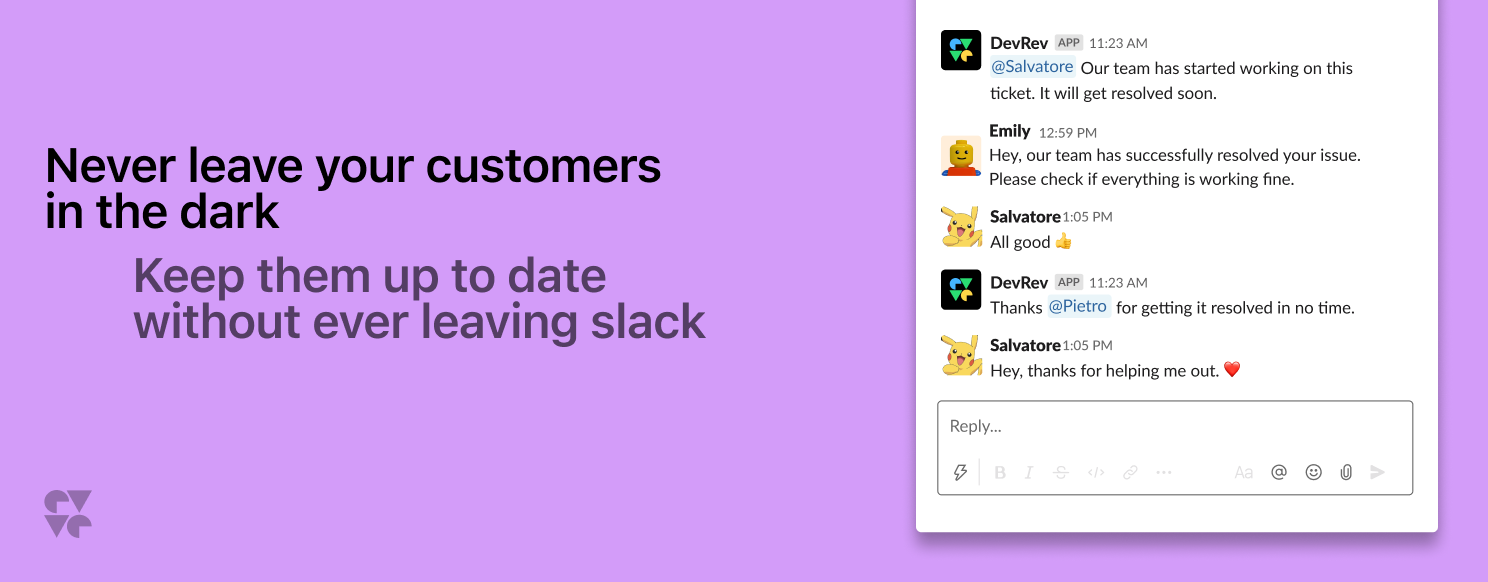
Scale your customer support in Slack! Enable real-time bidirectional sync with Slack and bring order to the chaos.
Enable Slack users to reduce context switching and interact with DevRev from within Slack. Create DevRev tickets from Slack conversations and keep your customers up to date.Features
Connect with Slack and ensure your customer or internal conversations are always in sync with DevRev tickets.- Conversation tracking With conversation tracking, you can track your Slack conversations with customers and the resulting tickets so you don't lose context. Keep the conversation going in Slack or DevRev and never miss an update.
- Create tickets Use the ⋮ actions menu to create a ticket from an existing Slack conversation. When you use this action, your ticket will contain a link back to the Slack conversations.
- Preview record Slack shows a title, description, status, and owner preview any time you post a DevRev URL.
- Ticket updates Updates on DevRev tickets can be posted in Slack, so conversations are in sync. If you have customer conversations over Slack, then this automation enables automatic status updates.
-
Personal view of tickets
With
/devrev viewticket ID or issue ID, the user can display a preview of the work items. This view is private to the user who uses this command and is not available for everyone on the Slack channel or direct message.
Installation
For detailed installation and configuration instructions, refer to the Slack documentation.Courses
Expand your knowledge with these DevRevU courses:More Snap-ins

Email · Integration · MCP Server
Outlook Email
The follow-up that didn't happen. The thread no one could find. Connect Outlook and those gaps close – emails become searchable in Computer alongside everything else.

Import · Support · Grow
Salesforce
Accounts, cases, opportunities – all sitting in Salesforce while your team works blind. Connect it and that data becomes searchable, in sync, no exports needed.

Grow · Import · Integration
Gong
A prospect mentioned a competitor. A deal stalled over pricing. It's all in Gong – connect it and those signals stop disappearing after the call ends.

Grow · Support · Integration
Goodmeetings
Streamline your customers meetings, create summary and action items with Goodmeetings and DevRev
Computer+ Apps
Our Customers
Initiatives
